Security
Secure investor management software, protected from the start
Investor records, bank activity and tax details deserve more than a shared spreadsheet. Covestly keeps each workspace separate, checks every action on the server, and gives everyone strong ways to sign in.
- 14-day free trial with every add-on
- Investors are always free
- Unlimited staff
- Cancel any time
Without it
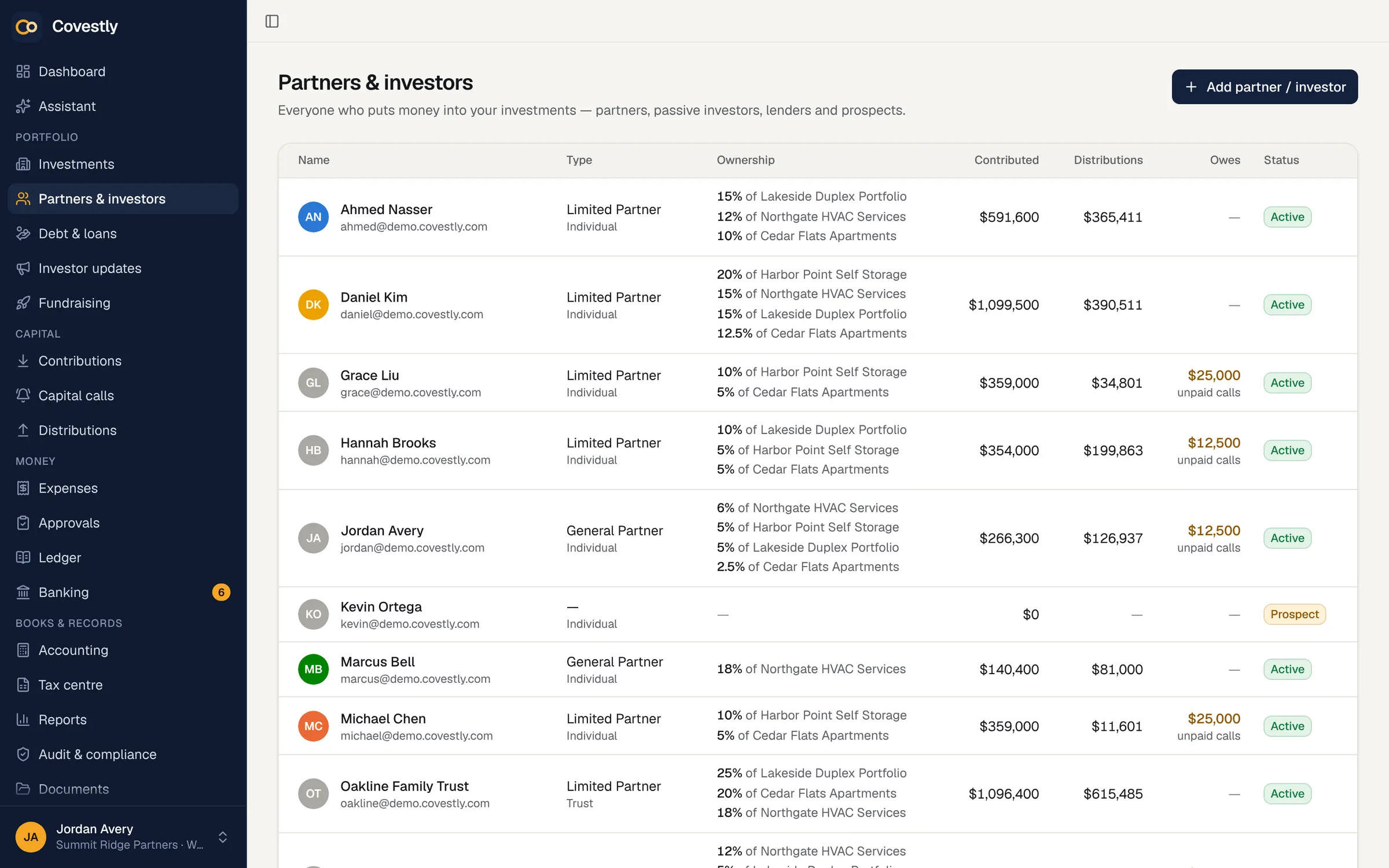
A spreadsheet has no permissions
When investor data lives in shared files and inboxes, anyone with the link can see everything, nothing records who changed what, and a former employee may still have access. That is a risk your investors are carrying.
- Everyone sees every investor’s details
- No record of who changed a number
- A password as the only protection
- Bank logins shared to download statements
Roles, groups and permissions
Five roles (workspace admin, managing partner, partner, accountant and investor) decide what each person can change, and groups grant extra permissions without changing anyone’s role. Someone who manages people can only hand out access they hold themselves, and a workspace always keeps at least one admin.
- Five roles with a clear permission matrix
- Groups for extra permissions and approver lists
- No handing out more access than you have
- Unlimited staff, each with the right access
Strong sign-in for staff and investors
Two-step sign-in uses standard authenticator apps with recovery codes, and a workspace can require it for everyone who works in the app. Connecting a bank or card account always requires two-step sign-in. Passkeys let people sign in with Face ID, Touch ID, a fingerprint or Windows Hello, and Google and Apple sign-in are available too. Repeated failed attempts lock the account for 15 minutes.
- Authenticator codes, required for staff if you choose
- Passkeys, with only the public key stored
- Google and Apple sign-in
- Changing a password ends every session
Your data, kept apart and protected
Every query is scoped to the signed-in person’s workspace, and every action re-checks the session and the specific permission on the server. Bank and Google tokens and two-step secrets are encrypted at rest, only the last four digits of a tax ID can be stored, and investors’ portals read only their own records. Error logs never contain sign-in links, password hashes or e-mail addresses.
- Each workspace kept separate
- Read-only bank links through Plaid
- Card details handled by Stripe, never stored here
- Tokens and secrets encrypted at rest
A record of every change, and AI that asks first
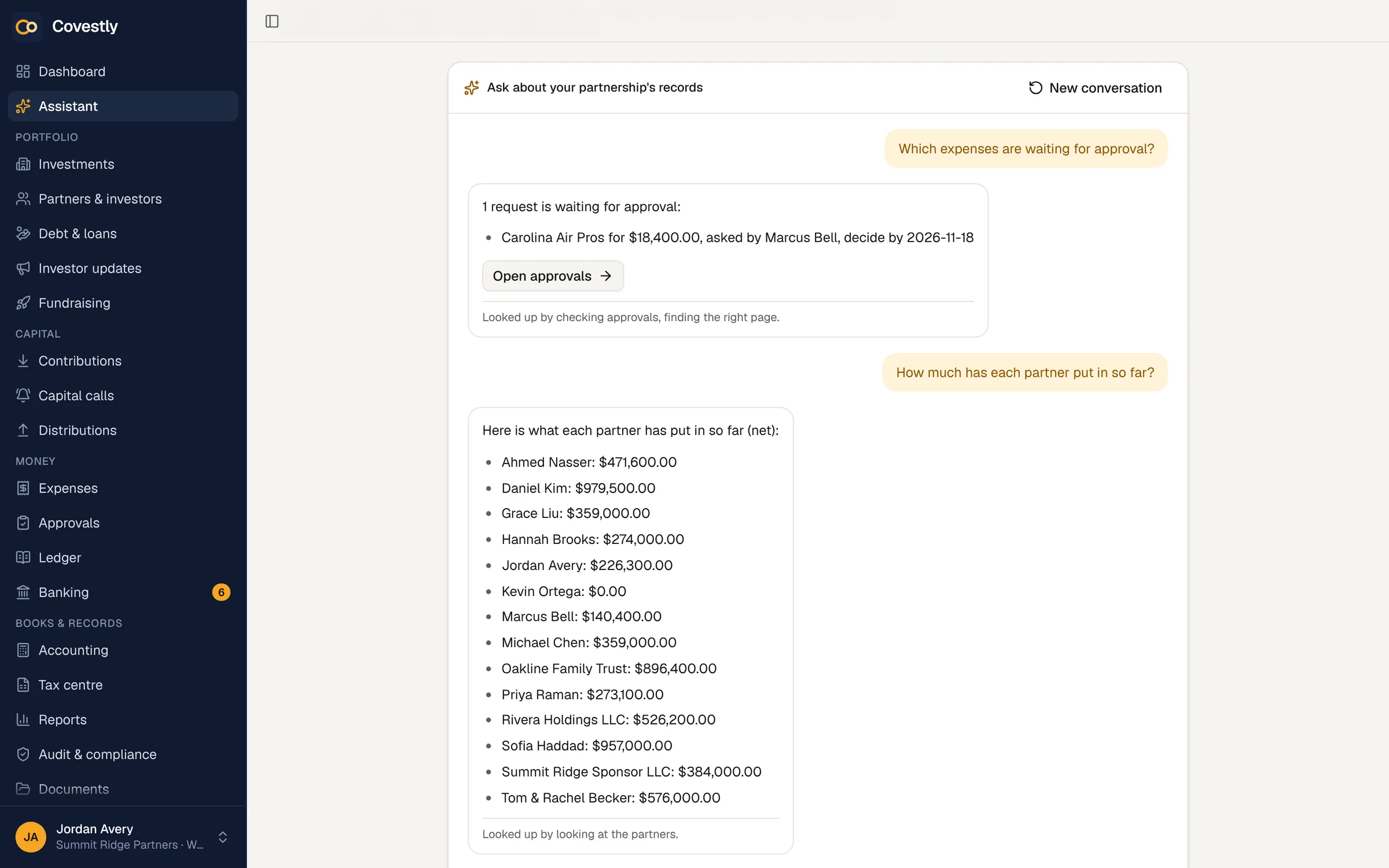
The activity log shows who changed what and when, and every approval keeps who decided, when and why. The assistant in AI Copilot sees only what the person asking can see, and it never changes a record until someone confirms. AI tools such as Claude and ChatGPT connect through Covestly’s MCP server, read-only and with only what the person who connected them can see. Documents reach investors only when you share them.
- An activity log of every change
- Decisions recorded with their comments
- The assistant works within each person’s permissions
- Nothing shared with investors by default
How it works
Team, roles & security, step by step
Invite people with the right role
Give each person the role that matches their job, and use groups for anything extra.
Require two-step sign-in
Switch it on for everyone who works in the app; investors can add it too.
Share deliberately
Documents, statements and updates reach investors only when you send or share them.
Review the log
See who changed what, and when, whenever you need to.
Keep exploring
Works hand in hand with
Team, roles & security: questions and answers
Can one sponsor see another sponsor’s data?
No. Every query is scoped to the signed-in person’s workspace, and every action re-checks the session and the specific permission on the server.
How are bank connections protected?
Bank and card feeds come through Plaid with read-only access, so they can’t move money, and the access tokens are encrypted at rest. Covestly itself never moves money.
Can I require two-step sign-in for my team?
Yes. A workspace can require it for everyone who works in the app, and until they set it up they can’t use pages, actions or downloads. Investors can switch it on but are never forced to.
What happens when someone leaves?
Remove them or change their role. Changing or resetting a password, or an admin resetting someone’s two-step sign-in, ends every session of that account on every device, so a copied session stops working.
Does Covestly store full tax ID numbers?
No. Only the last four digits of a tax ID can be stored, for partners and 1099 vendors alike; a longer number is refused.
Can our team connect Claude or ChatGPT?
Yes, on every plan. Connect Claude, ChatGPT and other AI tools to Covestly with its MCP server — read-only, and it sees only what you can see, checked again on every request. Only staff with two-step sign-in can connect a tool and investors never can. Everyone can disconnect their own under Settings → AI connections, and admins anyone’s; removing someone or switching off their two-step sign-in disconnects theirs.
See your deals the way your investors will
Set up your first deal in minutes. Every add-on is included while you try it.
- 14-day free trial with every add-on
- Investors are always free
- Unlimited staff
- Cancel any time