Reporting
Investor reporting software for updates and statements
Write an update once and send it to everyone, to the investors in chosen deals, or to chosen people. Prepare a PDF statement for every investor from the books in one go, check them, then send.
- 14-day free trial with every add-on
- Investors are always free
- Unlimited staff
- Cancel any time
Without it
Quarterly reporting shouldn’t eat the quarter
Copying figures from the books into letters and statements, investor by investor, takes days and invites mistakes. Afterwards you still can’t tell who received what, or who read it, and the investors you forgot to add never hear from you at all.
- Statements assembled one investor at a time
- Figures copied by hand from the books
- Attachments shared too widely or not at all
- No idea who opened the update
Updates that reach the right people
Write the letter with paragraphs, bullets and bold, put each investor’s name in automatically, and attach documents. Choose everyone, the investors in chosen deals, or chosen people, and preview it as any investor before you send. Each gets one e-mail, and the letter stays on their portal’s Updates page.
- Audience by deal or by person
- Preview as any investor
- One e-mail each, plus a copy in the portal
- Sent, skipped, failed and read, per recipient
Statements from the books, for everyone at once
Pick a quarter, a year or chosen dates. Each investor’s PDF rolls the capital account forward, shows ownership, returns to date and the period’s transactions, and is laid out to read on a phone. Prepare the whole pack, check each statement, then send. Statements use the same maths as the investor portal, so the two always agree.
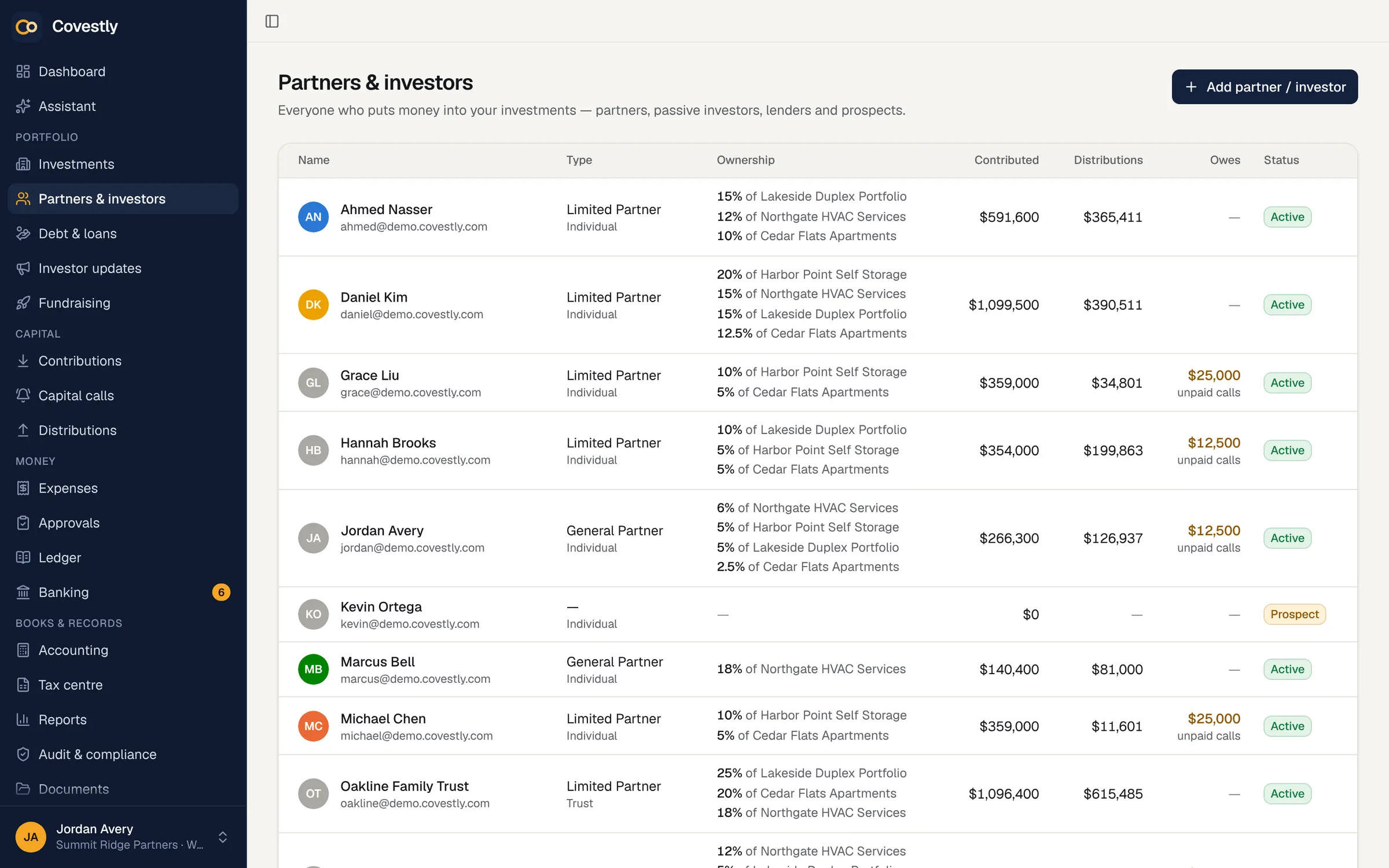
- Capital account rolled forward
- Ownership, returns and transactions
- Prepared for everyone in one step
- Investors download any period themselves
A first draft from the deal’s own figures
Draft with AI writes a quarterly-style first draft for one investment from its contributions, distributions, capital calls, budget against actual, spending, cash and loans. With AI Copilot the draft is written by AI and every amount it quotes is checked; without it, a fixed template writes the draft from the same figures. Nothing is sent until someone edits and sends it.
- Drafted from deal-level figures only
- Every amount checked against the books
- A template draft when AI is off
- Always edited by a person before sending
Every report from one ledger
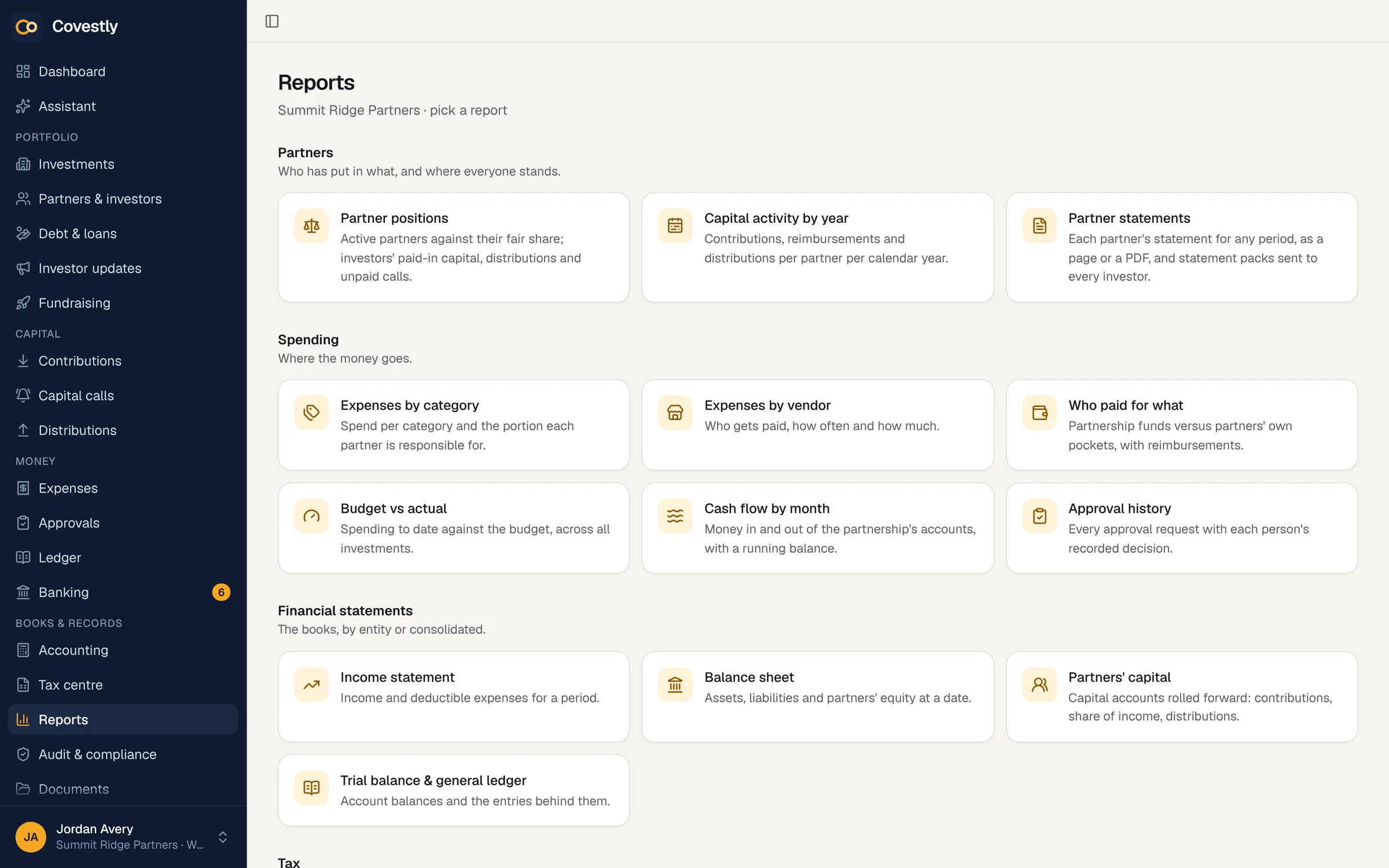
The reports hub covers partner positions, capital activity by year, spending by category, vendor and payer, budget against actual, cash flow and approval history, alongside the statements. Because they all read the same ledger, the numbers in an update match the numbers in a report.
- Partner positions and capital activity
- Spending, budgets and cash flow
- Approval history
- Financial statements with Accounting
How it works
Investor updates & statements, step by step
Write or draft
Write the update yourself, or start from a draft built on the deal’s figures.
Choose the audience
Everyone, the investors in chosen deals, or chosen people.
Preview and send
See each investor’s version, then send by e-mail and to the portal at once.
See who read it
History shows what happened to every e-mail and when each investor first opened the update.
Send statements
Prepare a statement for every investor for the quarter, check them, and send them by e-mail and to the portal.
Keep exploring
Works hand in hand with
Investor updates & statements: questions and answers
Can investors download their own statements?
Yes. Sent statements appear in the investor portal, and investors can download their own statement for any period. Each statement is built only for the signed-in investor.
Can I edit an update after sending it?
No. Sending freezes the recipients and the text, publishes the update on their portal and queues one e-mail per sign-in. Send a new update to follow up.
Do attachments become visible to every investor?
No. Sending an update opens each attached document to that update’s recipients only, within the document’s own tags. Everyone else still can’t see it.
What happens to investors who haven’t been invited to the portal?
They are listed as not reachable before you send: they get no e-mail and see nothing until you invite them. That way nobody is missed by accident.
Are investor statements tax documents?
No, and every page says so. K-1s are delivered through the investor portal: the ones your CPA prepared, uploaded on any plan, or K-1s drafted from your books with the Tax documents add-on.
Can an update say how the property is doing?
Yes, with the Asset management add-on. Insert property summary puts a paragraph in the update with the occupancy from the latest rent roll and the NOI of the latest T12 you imported from your property management software's files. It gives figures for the whole property only, never a unit or a tenant, and you edit it like the rest of the letter.
See your deals the way your investors will
Set up your first deal in minutes. Every add-on is included while you try it.
- 14-day free trial with every add-on
- Investors are always free
- Unlimited staff
- Cancel any time